
In This Article
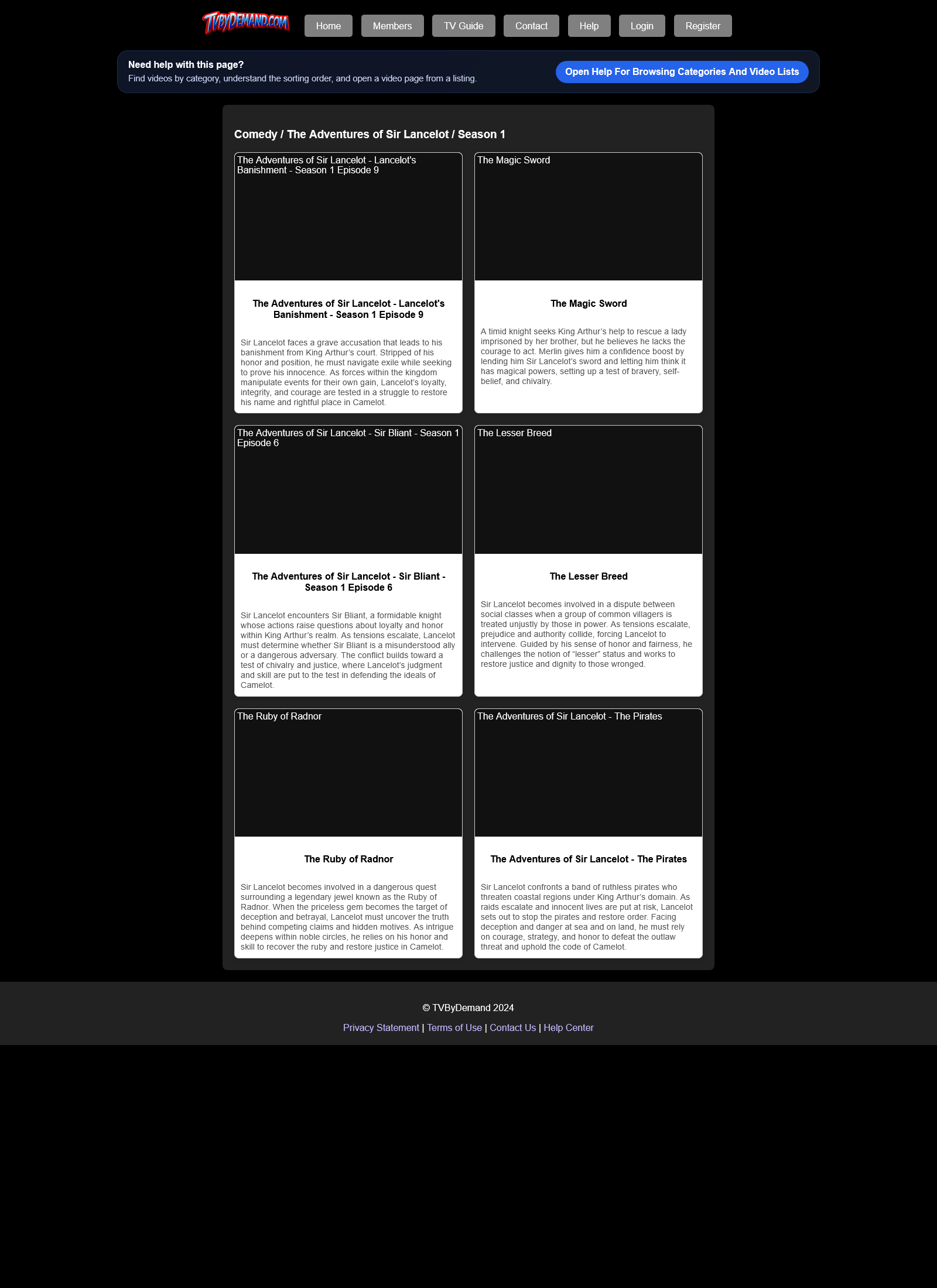
How category browsing works
Category pages show available videos that are ready to watch. By default, series titles are listed in season and episode order, while other videos stay newest-first.
If an uploader or admin sets a manual display order, that custom order is shown before the normal default category order.
Using category pages
- Open a category from the home page or categories page.
- Scroll through the video cards and choose the title you want to watch.
- Open the video page to watch, comment, react, and view details.
Keywords
Related Help
Watching A Video
Use the video page to watch, share, inspect metadata, and see uploader information and related activity.
Manual Video Ordering
Change the order videos appear inside a category instead of relying only on the default category sorting.
Home Page
Use the home page to jump into featured videos, genre browsing, live viewing, and your personal shortcuts.
Still Need Help?
If this article did not answer what you needed, the fastest next step is to contact staff or PM an admin from your account.