
In This Article
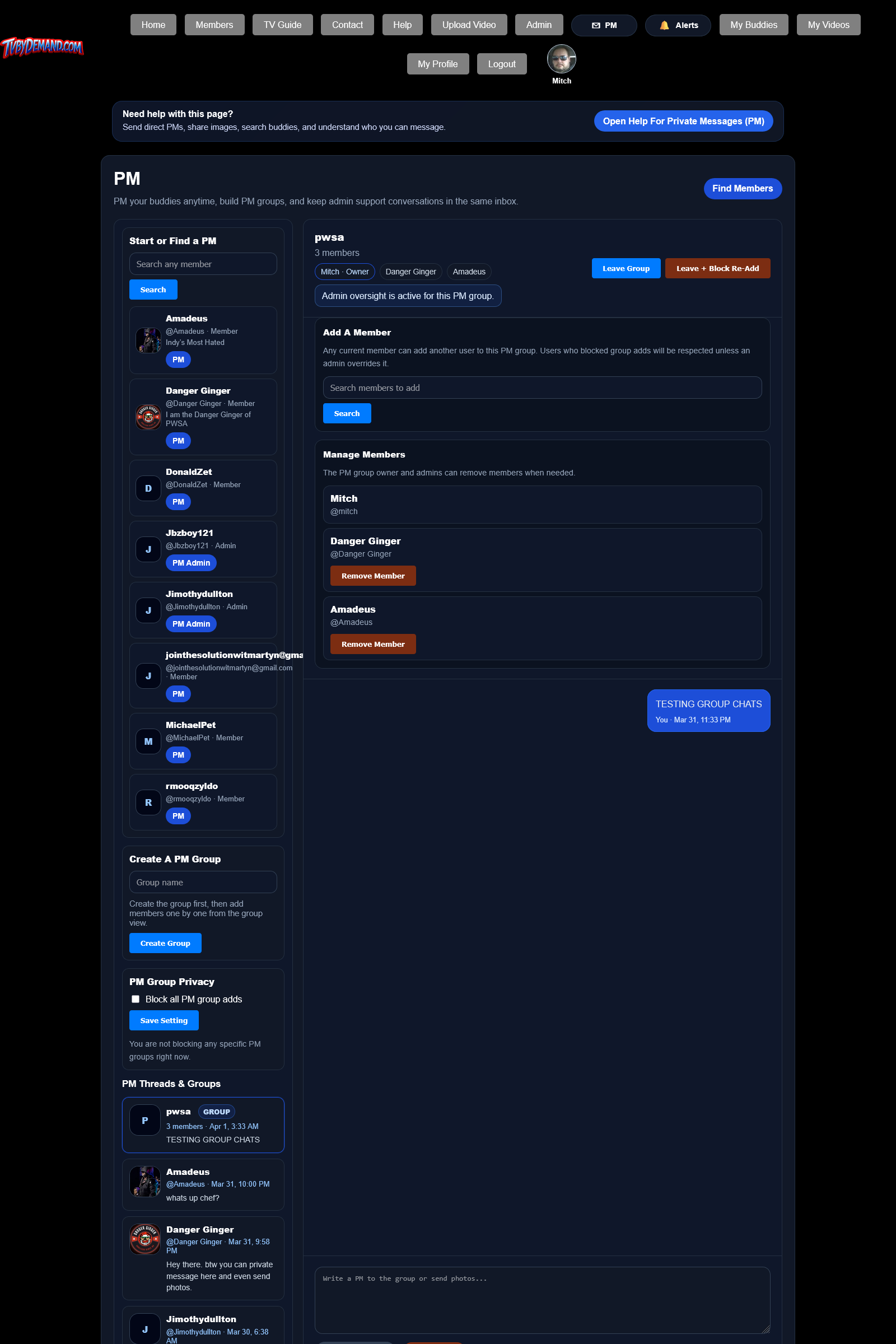
Who can PM whom
Direct PMs are mainly buddies-only. Admins can PM any member, and any logged-in member can PM an admin so problems can be reported.
Unread PM counts appear in the top menu so you can tell when someone wrote to you.
Sending messages and pictures
- Open PM from the top menu.
- Choose an existing conversation or start one from a buddy or member card.
- Type a message, or add images with drag and drop, paste, or file browse.
- Send the PM and watch for unread counts and alerts on the receiving account.
Keywords
Related Help
PM Groups
Create group PMs, add members, leave a group, and control whether you can be re-added.
Buddies
Send buddy requests, accept or decline requests, remove buddies, and control who can interact with you.
Notifications And Alerts
Track replies, PMs, moderation actions, buddy activity, and other events through the site alert system.
Still Need Help?
If this article did not answer what you needed, the fastest next step is to contact staff or PM an admin from your account.